



Sound Forge Your Way
Essential audio tools for
every serious project
Choose Your Sound Forge


If it needs to be done, Sound Forge does it
The audio professional’s choice
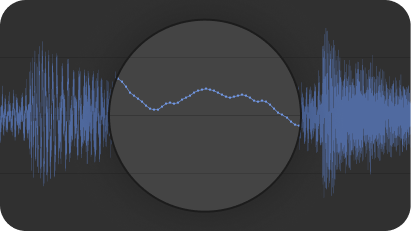
Sample-level waveform editing
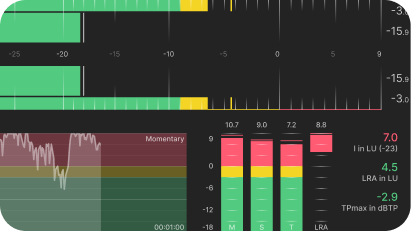
Precise peak and loudness metering
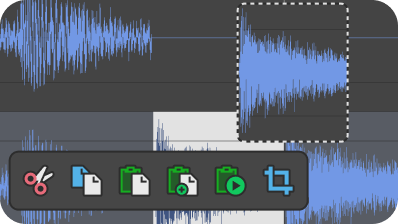
Cut/copy/paste audio editing
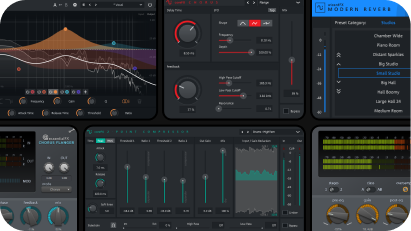
coreFX Suite, essentialFX Suite, and dynamic EQ plug-ins
VST2, VST3 and ARA support
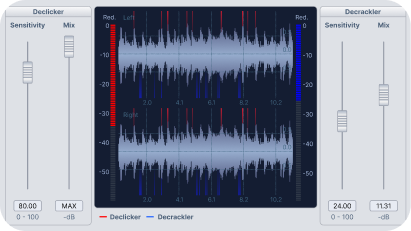
Remove audio clicks/crackles and repair audio clipping
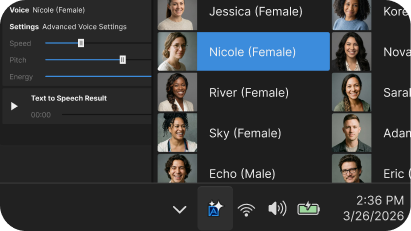
Text to Speech
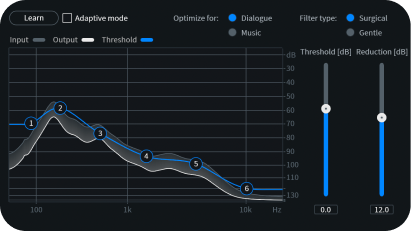
Broadband noise reduction
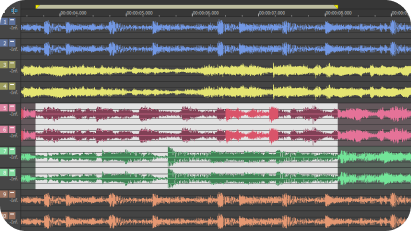
Multi channel support
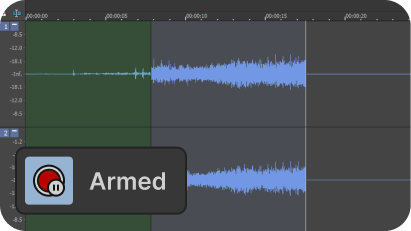
Automatic record start with prerecord buffer
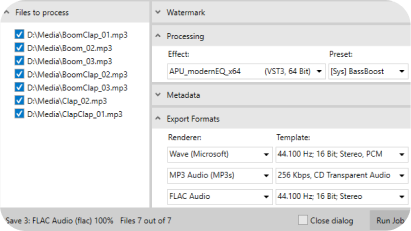
Batch processing
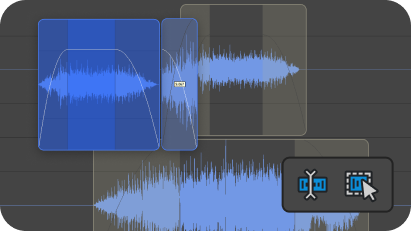
Event-based non-destructive editing
More Power with Sound Forge Plus
Next-Level Sound Manipulation and Effects
Includes everything in Sound Forge plus Celemony Melodyne 5 Essentials, Vandal, VariVerb II, and 3D Reverb.
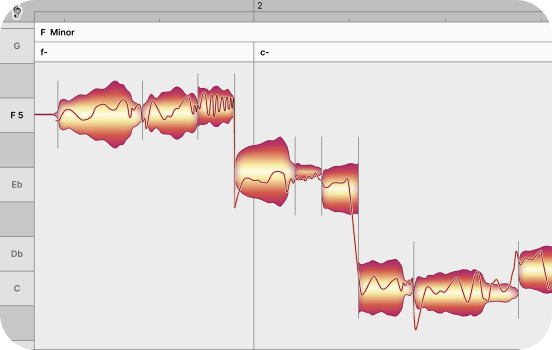
Celemony Melodyne 5 Essentials
Features
• Core pitch correction (note-based editing)
• Pitch drift and modulation control
• Timing tool for basic time correction
• Melodic Algorithm for high-quality vocal analysis
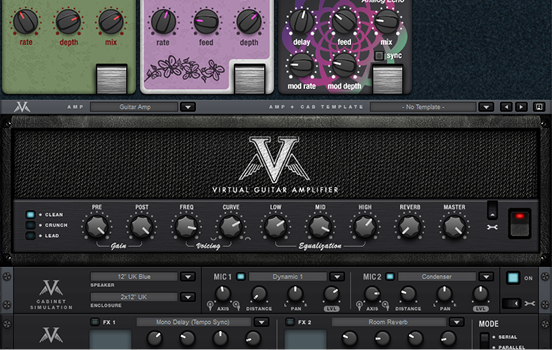
Vandal
Features
• Tons of preset setups
• Full manual control with typical amplifier controls like tone, overdrive, etc.
• Choose any amp, cabinet, and microphone to emulate amazing rigs
• Perfect for experimenting and dialing in exactly the right tone
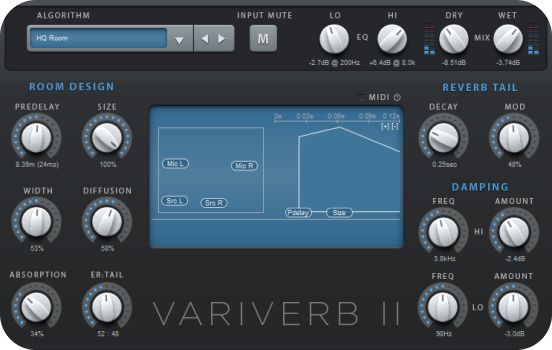
VariVerb II: Reverberation Plug-in
• Selectable reverb types
• Tons of presets to use or start with
• Full manual control of room size, reverb amount, and much more
• High-quality reverb free from annoying artifacts delivers convincing sound
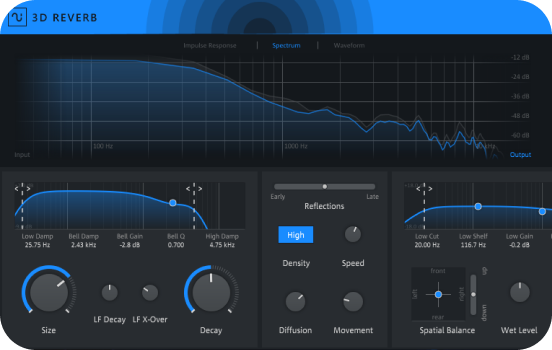
3D Reverb plug-in
• Create virtual 3D rooms with realistic reflections and depth
• Elevate stereo audio to multichannel for surround sound audio design
• Perfect for sound design and post production
• Place your audio to specific locations in a virtual room
Frequently Asked Questions
Just about anything and everything you can imagine that you need to do with audio. Sound Forge makes a great high-quality recording tool that supports both manual recording and automatic record-start modes for those times you can’t be there. Then edit audio, add audio effects, master audio, and much more. Think about it as a multitool for audio. If you need to do it to audio, you can use Sound Forge.
You can download and use a fully functional version of Sound Forge for 15 days at no charge in order to fully evaluate the software. At the end of this free product trial period, you must purchase or subscribe to continue using the application.
While Sound Forge has an incredibly deep tool set, it also offers a logical, straight-forward interface and workflow that make it easy to learn. Beginners can be up and running nearly instantly. Still, there’s a lifetime of learning (and fun!) ahead of you as you dig deeper and deeper.
No. Sound Forge intentionally does not function as a digital audio workstation (DAW). It has been designed as a specialist tool for working on a single audio file in ways that the general editing tool set of the typical DAW simply cannot match. Sound Forge works perfectly as a critical tool that integrates nicely with the DAW of your choice as well as any video editing software you use.